Daymark
UX studio / contemporary app screens

Three more modern ways to put the briefing in someone’s hand.

These directions borrow from current mobile product patterns: a calm home dashboard, a focused story deck, and a personal daily loop. None uses dark mode as its identity.

01 / home dashboard

Today, at a glance

A contemporary home screen that makes the briefing’s shape visible immediately: who it is for, how long it will take, and what is waiting.

Interaction model

  • Personal greeting with a small avatar or initials.
  • One progress bar: 3 of 6 stories, 4 minutes left.
  • Compact story rows for scanability, with a tap opening the full card.
  • Bottom navigation: Today, Saved, Settings.
Best direction for: a trustworthy daily habit that feels like a polished utility app.
GOOD MORNING, BELLA08:12
Here’s what
changed today.
6 stories · 7 minutes · 11 sources

A sunlit city and river crossed by a bridgeA city connects its two sides
3 / 6
WORLD
2 MIN
A monitored corridor plan moves forward.Fact · 3 sources
IDEAS
3 MIN
The battery headline is real. The timeline is not.Claim · 4 sources
LIFE
2 MIN
A smaller morning is becoming a choice.Analysis · 4 sources
TodaySavedSettings

02 / focused story deck

One story, properly framed

A more confident, editorial screen that gives one story the room to land while keeping the user oriented inside a finite set.

Interaction model

  • Large visual or typographic lead, with no clutter around it.
  • Horizontal progress dots show where the reader is in today’s briefing.
  • Swipe or tap through cards, but never an infinite deck.
  • “Why this matters” and sources expand beneath the summary.
Best direction for: a distinctive, memorable product with strong editorial craft.
DAYMARK · TODAY2 / 6
A rainy coastal promenade with a video play button▶Watch the 45-second visual brief
WORLD / FACTA monitored corridor plan moves forward.What changed since yesterday · 2 min
The important shift is implementation, not agreement.
Three points of agreement. Two open questions. Sources available below.
Read the context
Next story →SaveSources
03 / personal daily loop

A gentle loop, not a feed

A more human app screen: a daily briefing, a small moment of response, and a clean close that improves tomorrow without demanding more today.

Interaction model

  • Three chapters: Start, Understand, Close.
  • Users can mark “clear”, “follow”, or “not for me” to tune future briefings.
  • The end screen confirms completion and offers one optional saved thread.
  • Personalization is visible as a choice, not a hidden algorithm.
Best direction for: making the product feel meaningfully different from news apps.
DAYMARK / CLOSE08:19
Sunlit city river image
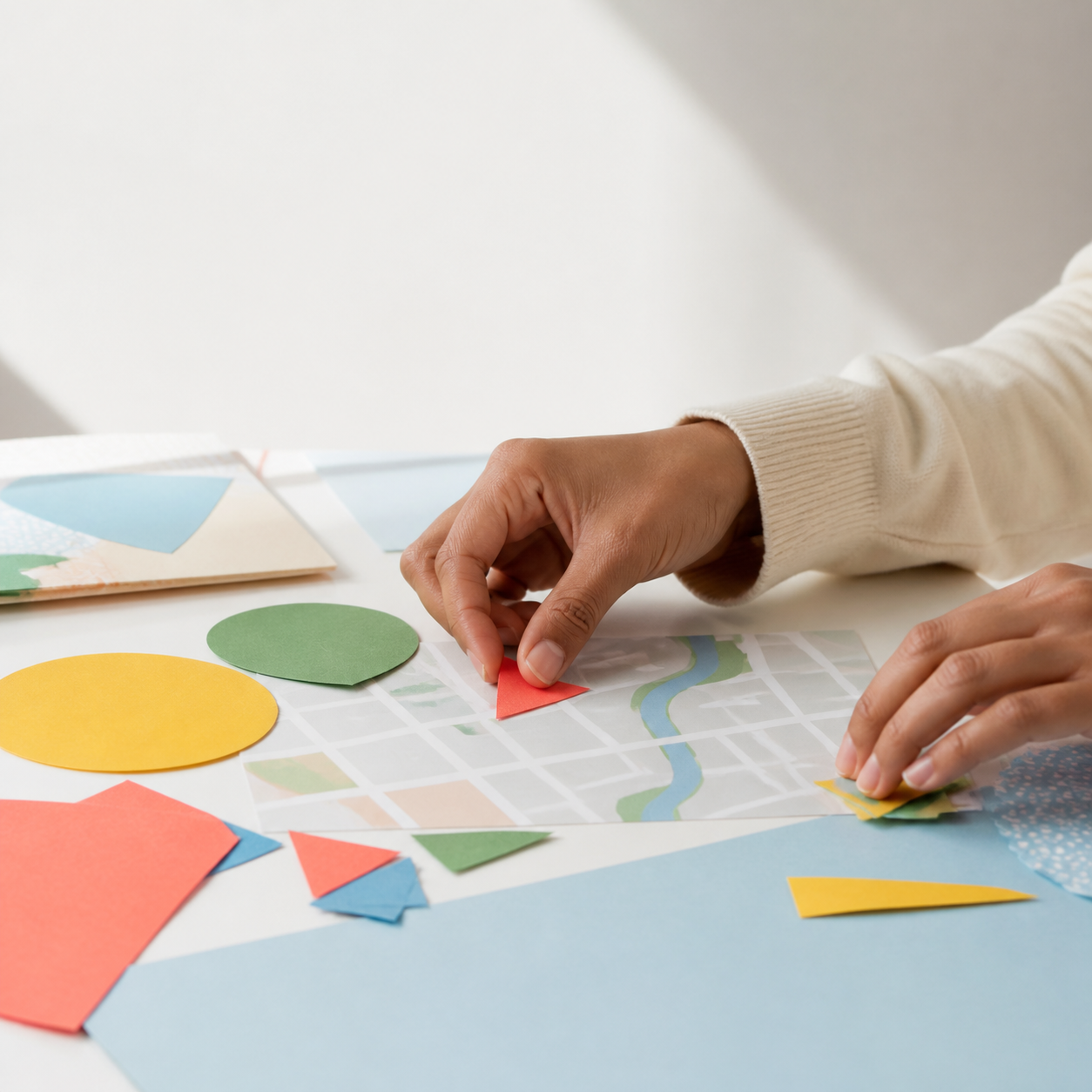
Hands arranging a map and paper shapes
YOU’RE UP TO DATEYou’re informed. Enjoy your day.6 stories · balanced across 3 topics
What should we keep an eye on?
OPTIONALFollow the corridor planWe’ll show movement, not more noise.
YOUR SIGNAL“I understand this topic.”Helps Daymark tune tomorrow.
Finish for today
CloseSaved threadProfile